Use OpenLLM on multiple devices
Run the same account on your laptop, desktop, and a server, with a key and daemon per device.
Your OpenLLM account is not tied to one machine. You can run it on a laptop, a desktop, and a server at the same time, all on the same connected providers. Each device gets its own key and its own local daemon, so they stay independent: you can revoke one without disturbing the others, and the dashboard shows you which device made every request.
The model: one key and one daemon per device
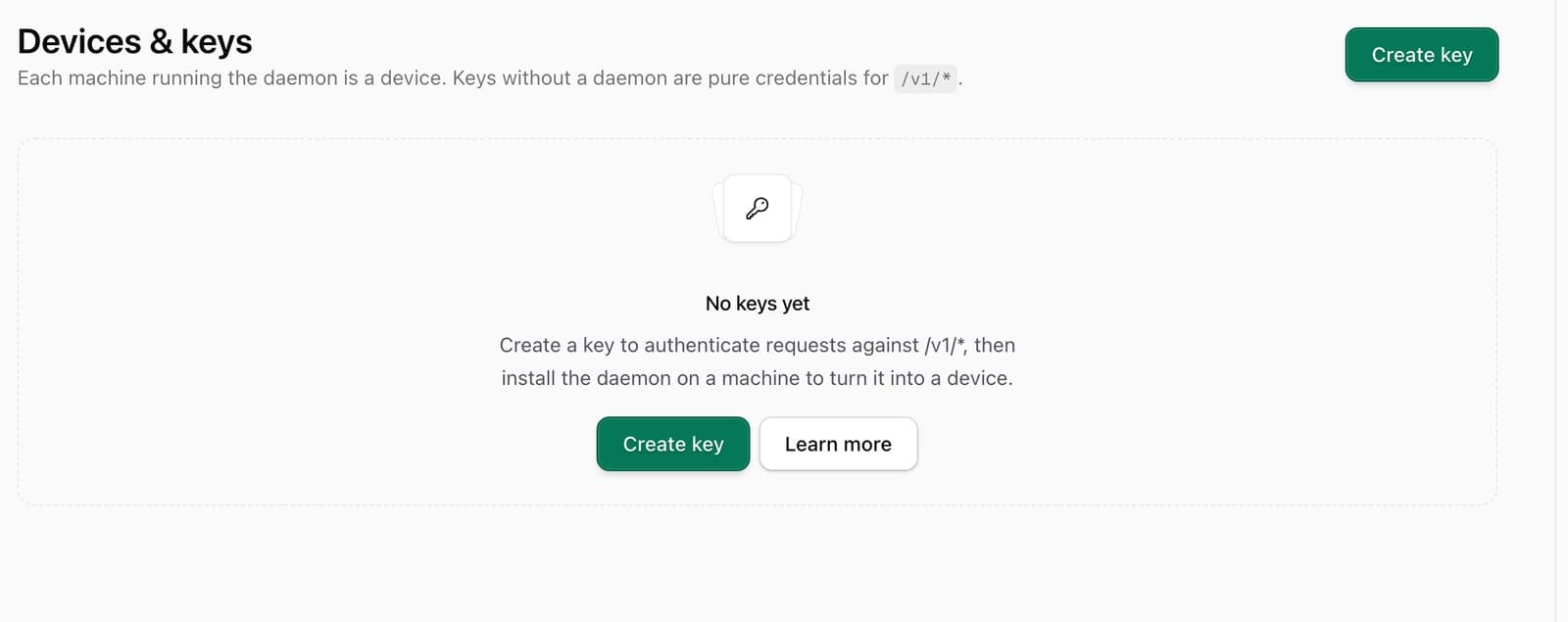
A device is a machine paired to your account. Setting one up is two things:
- Its own OpenLLM key. Each machine runs under its own
sk-llm-…key, from Devices & keys. One key per machine means a leaked or retired device is a single revoke, and the dashboard can label requests by device instead of blending them. - Its own daemon (only if you use subscription providers). The local daemon runs subscription inference on that machine against the vendor CLIs. It pairs to that device's key, so each machine you want to run Claude Code, ChatGPT, Kimi, or Grok subscriptions on needs its own daemon.
API-key providers (Anthropic, OpenAI, and the rest) do not need a daemon on the device at all; they run through the gateway. The daemon is only for subscription accounts, which never route through the cloud.
Set up a new device
Go to Devices & keys and use Add a device. The wizard picks a key for the new machine (or mints one), then hands you the daemon install command with that key already in it. Run it on the machine you are adding:
curl -fsSL "https://openllm.sh/api/setup/daemon/install.sh" \
  | OPENLLM_API_KEY="sk-llm-THIS_DEVICES_KEY" bash
The wizard watches for the daemon to come up and flips to Connected on its own once the machine pairs. There is no code to type back: the daemon reports itself, and the key it installed under is what identifies the device.
It installs a launch agent (macOS) or systemd user unit (Linux) so it keeps running
across logout and reboot. Control it with openllmd start, openllmd stop, and
openllmd status.
Then wire up your tools on that machine. Once the daemon is paired, the
Integrations page can one-click install any client onto that device remotely;
or use the one-line installers on Connect your tools. Every
installer takes the key as OPENLLM_API_KEY, so point each device at its own.
Once paired, the device shows up under Devices with its label, last-seen time, and location, so you can tell at a glance which machines are active. The paired view offers Pair another machine when you are ready for the next one.
How many devices
Plan rule: up to three devices
A plan covers up to three devices on one subscription. That is meant to cover a real personal setup (a laptop, a desktop, a server) while keeping one subscription from being spread across a whole team.
Retiring a machine is a single revoke: delete that device's key under Devices & keys, and the daemon paired to it can no longer reach the gateway. Since your tools only ever reference the key you gave them, moving between machines never changes any tool config beyond the key itself.
Team sharing is a separate thing, and it is not supported yet. OpenLLM is single-user today, so those devices are meant to be your machines, not seats for other people. See Pricing.